iFob Control Limited 100 Notifications
iFob Control Limited – 100 Notifications (Pay Once)
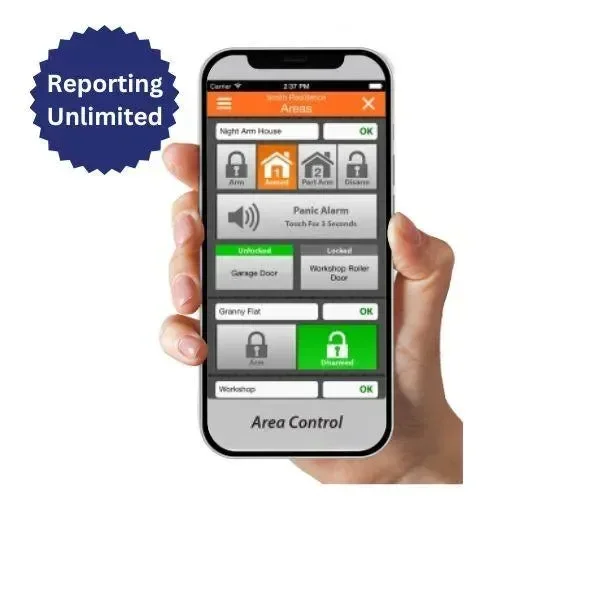
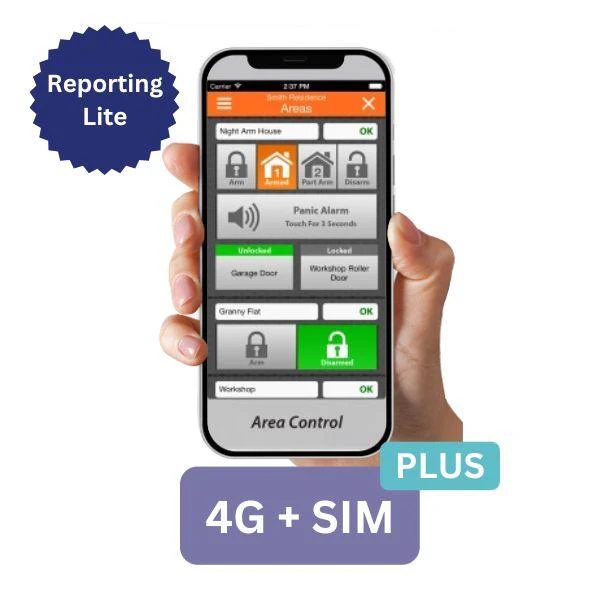
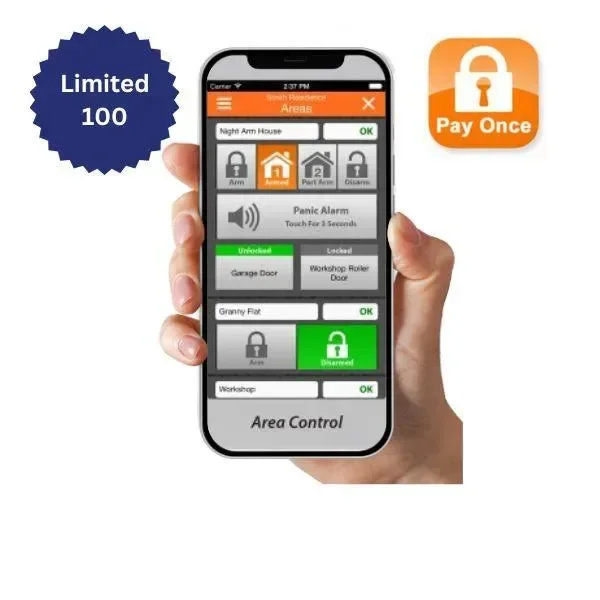
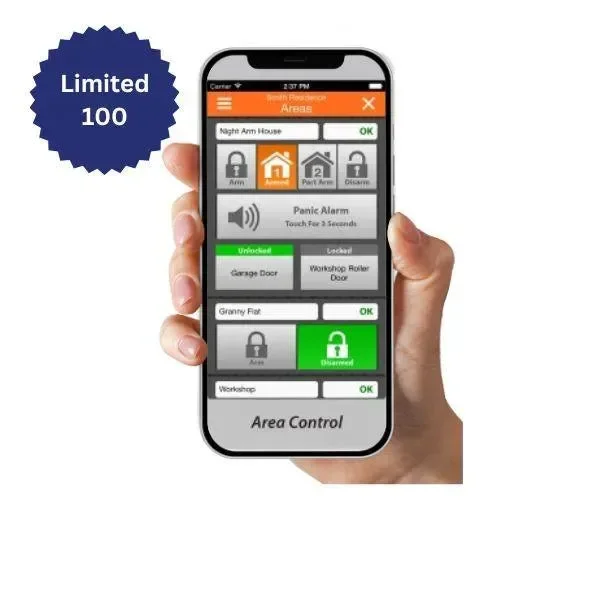
Gain secure and convenient control of your Bosch Solution 6000 alarm system from anywhere in the world using the iFob Control app. This one-time purchase plan includes 100 push notifications per month for the life* of your alarm panel — no ongoing fees.
Ideal for users who need basic remote alarm access and notifications without the cost of a full subscription.

🔐 iFob Control Limited Features:
-
✔️ One-time purchase – no renewal needed
-
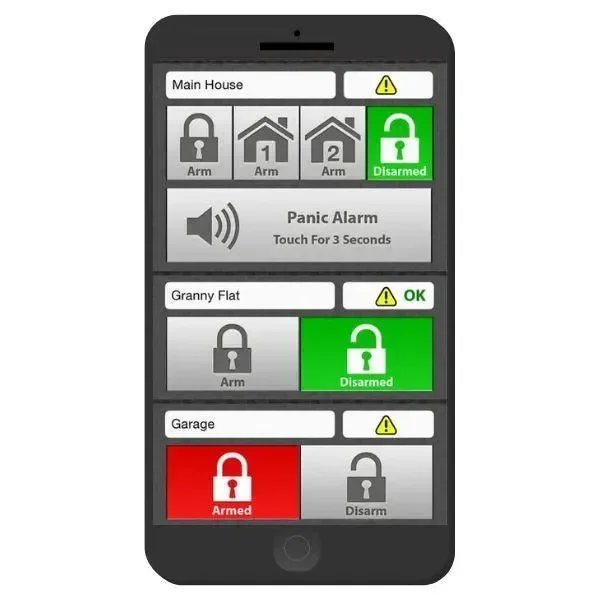
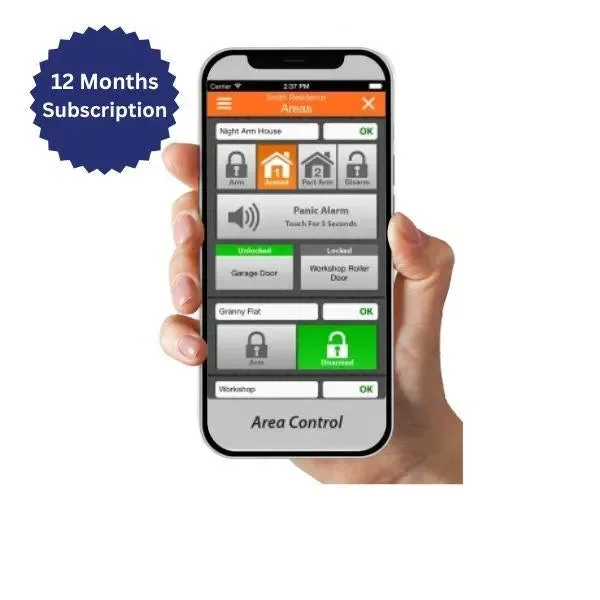
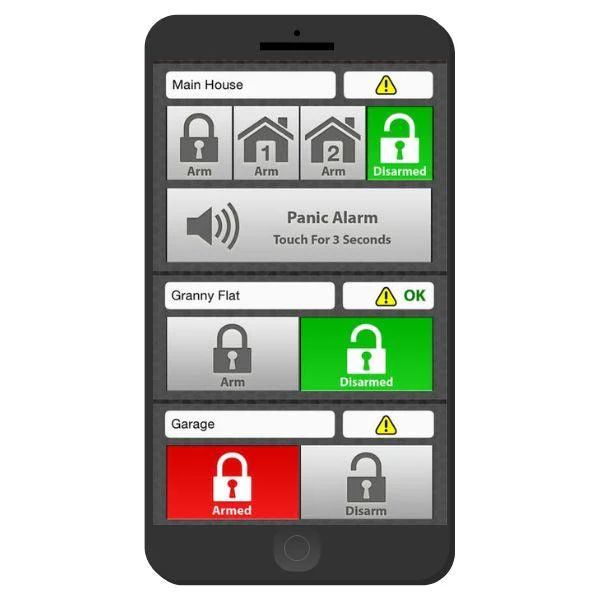
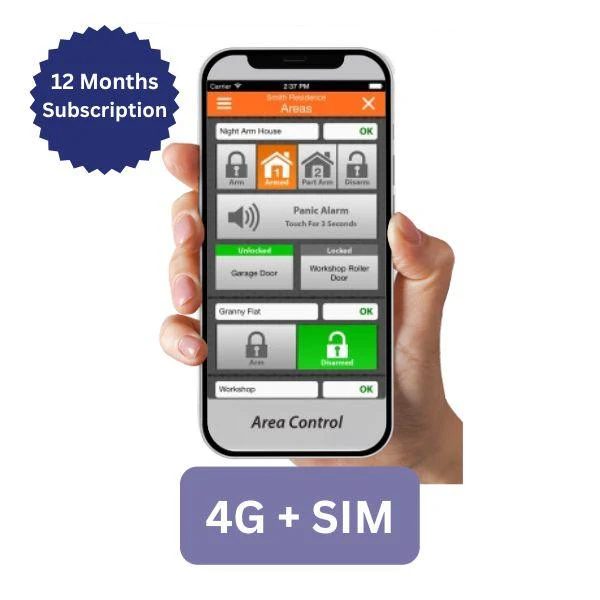
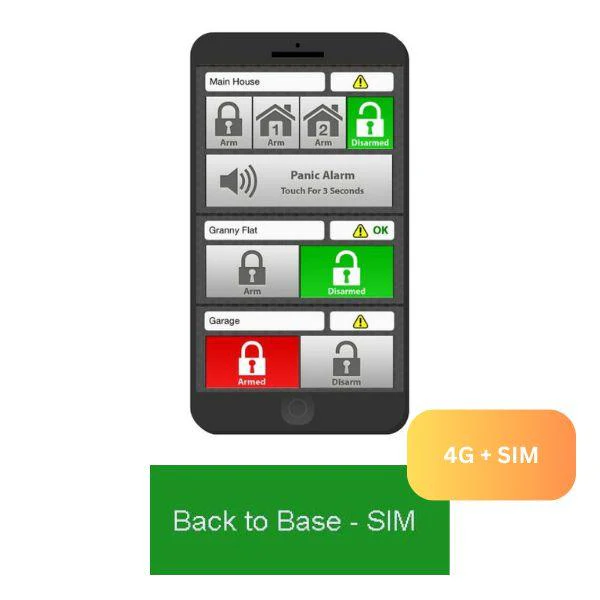
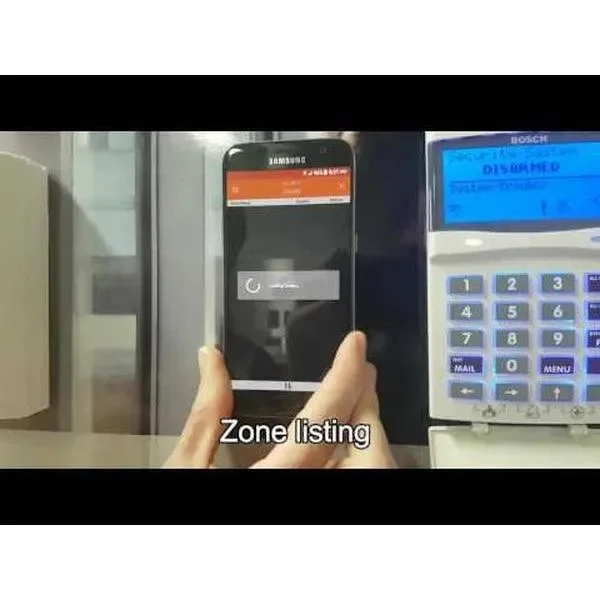
📱 Control your alarm system remotely via smartphone or tablet
-
🔔 Up to 100 push notifications/month (for the life* of the panel)
-
🔄 Remote Arming/Disarming
-
⚡ Output Control
-
🧩 Connects with Solution Link
-
👥 Supports up to 10 mobile devices
-
🔐 PIN-based control – only access areas you’re authorised to control
-
📖 All actions are logged in the system history
-
🌐 Configuration via myalarm.com.au web portal
⚠️ Please Note:
This plan does not include SMS alerts, email notifications, or voice call reporting.
📌 Customer Setup Note:
To manage your alarm site, you’ll need to create a free MyAlarm account. Refer to the PDF guide: MyAlarm Customer Account Registration (attached).
🛠 Activation Steps
🔧 Steps for iFob Activation After Online Purchase
-
On your alarm keypad, press: Installer Code > MENU > 5-0-9
-
Enter the 11-digit MyAlarm Installer Number: 57507959850, then press OK.
-
The keypad will display “Registering to MyAlarm.”
-
If successful, it will display: “MyAlarm Registration Successful.” If not, check your installer code and internet connection.
-
Exit programming mode by holding the MENU button.
-
Email the following to [email protected]:
-
Your order number
-
Your alarm panel serial number
-
The mobile number(s) to be activated
-
-
Once received, we will send the iFob app code to the specified mobile(s).
🔒 Important:
Each iFob code is locked to a specific mobile number and requires the Master Alarm PIN for activation.
Original: $142.59
-65%$142.59
$49.91Product Information
Product Information
Shipping & Returns
Shipping & Returns
Description
iFob Control Limited – 100 Notifications (Pay Once)
Gain secure and convenient control of your Bosch Solution 6000 alarm system from anywhere in the world using the iFob Control app. This one-time purchase plan includes 100 push notifications per month for the life* of your alarm panel — no ongoing fees.
Ideal for users who need basic remote alarm access and notifications without the cost of a full subscription.
🔐 iFob Control Limited Features:
-
✔️ One-time purchase – no renewal needed
-
📱 Control your alarm system remotely via smartphone or tablet
-
🔔 Up to 100 push notifications/month (for the life* of the panel)
-
🔄 Remote Arming/Disarming
-
⚡ Output Control
-
🧩 Connects with Solution Link
-
👥 Supports up to 10 mobile devices
-
🔐 PIN-based control – only access areas you’re authorised to control
-
📖 All actions are logged in the system history
-
🌐 Configuration via myalarm.com.au web portal
⚠️ Please Note:
This plan does not include SMS alerts, email notifications, or voice call reporting.
📌 Customer Setup Note:
To manage your alarm site, you’ll need to create a free MyAlarm account. Refer to the PDF guide: MyAlarm Customer Account Registration (attached).
🛠 Activation Steps
🔧 Steps for iFob Activation After Online Purchase
-
On your alarm keypad, press: Installer Code > MENU > 5-0-9
-
Enter the 11-digit MyAlarm Installer Number: 57507959850, then press OK.
-
The keypad will display “Registering to MyAlarm.”
-
If successful, it will display: “MyAlarm Registration Successful.” If not, check your installer code and internet connection.
-
Exit programming mode by holding the MENU button.
-
Email the following to [email protected]:
-
Your order number
-
Your alarm panel serial number
-
The mobile number(s) to be activated
-
-
Once received, we will send the iFob app code to the specified mobile(s).
🔒 Important:
Each iFob code is locked to a specific mobile number and requires the Master Alarm PIN for activation.