iFob Reporting Unlimited 12 Months Subscription
iFob Reporting Unlimited 12 Months Subscription
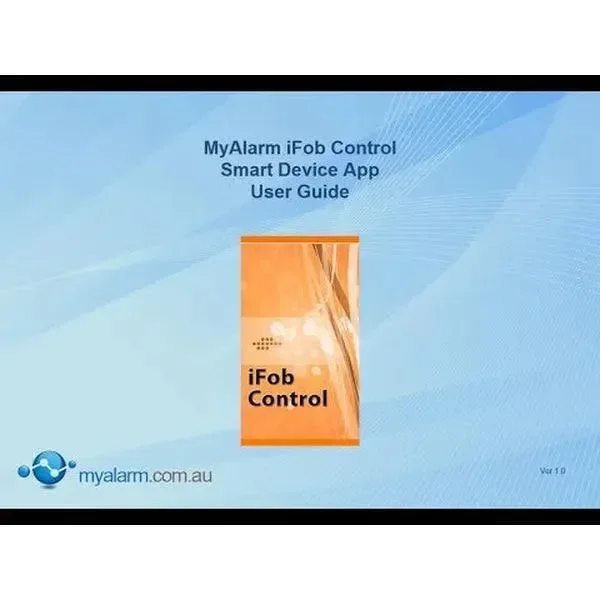
The iFob control app provides real time control and feedback of compatible IP enabled alarm systems. Multiple sites are supported meaning you can easily interface to your home, your office or your holiday house when required. For Steps for iFob activation After Online purchase please refer the steps at the bottom of the page*
All events performed via the app are recorded in the system history log and as users are required to log on using their PIN only areas and doors they have access to can be controlled.
Currently available in the app store for iOS devices and the Android version is available in the playstore.
Alarm Systems Compatible with The iFob Control App
- Bosch Solution 6000
- Bosch Solution 6000 IP
- Bosch Solution 6000 WiFi
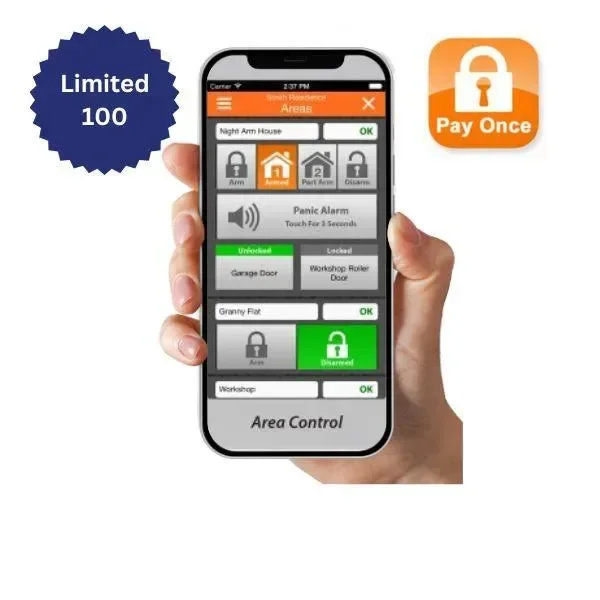
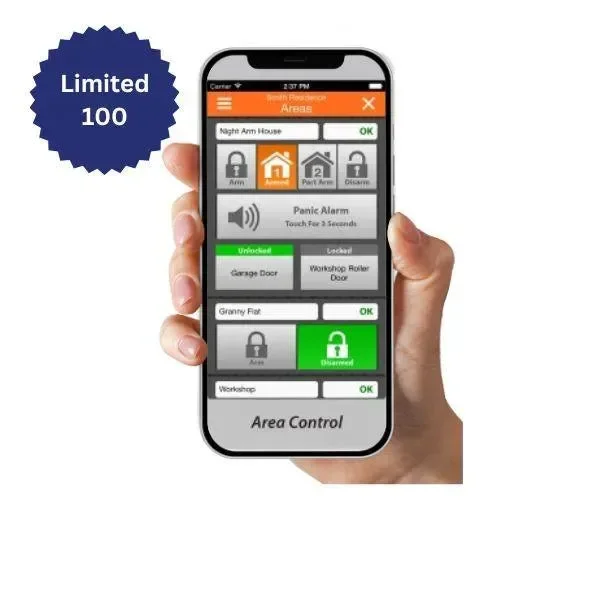
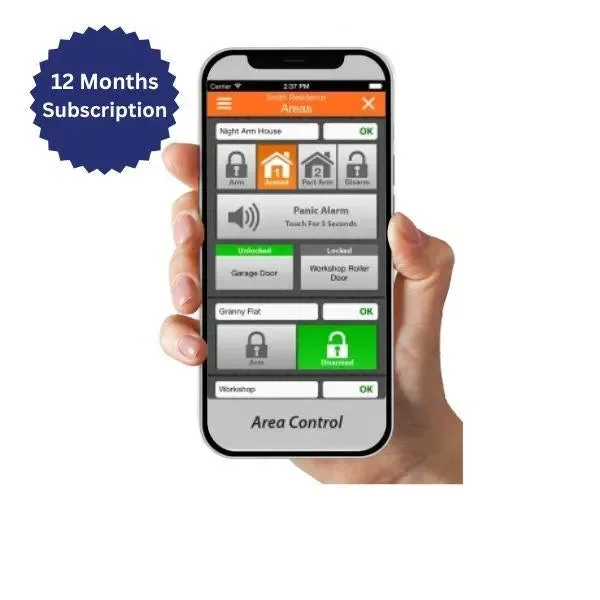
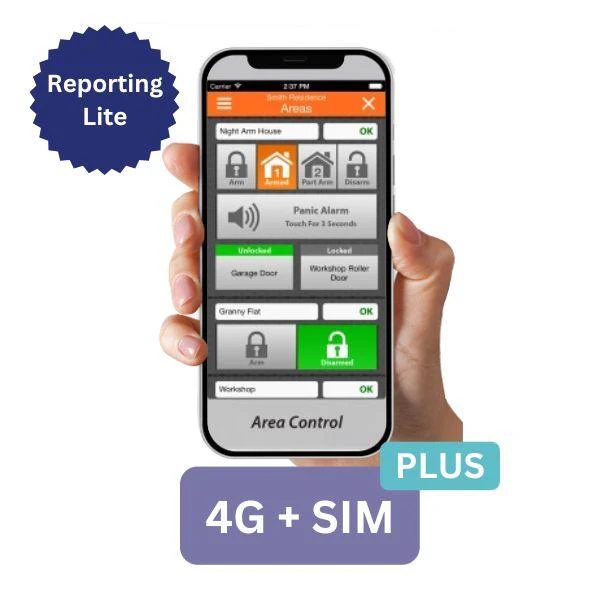
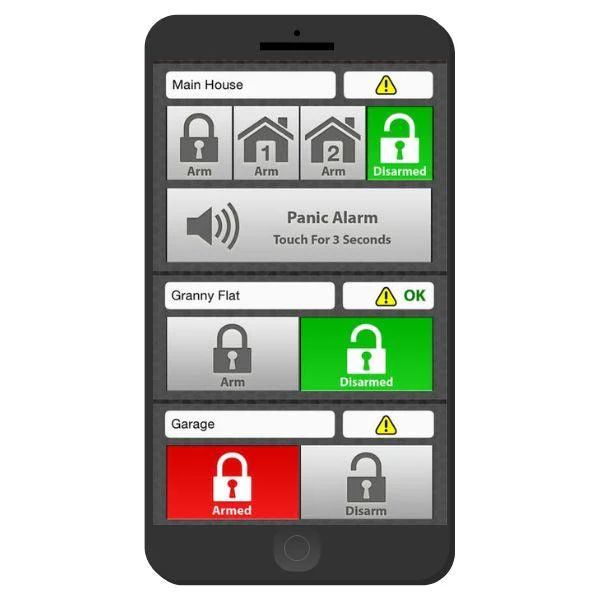
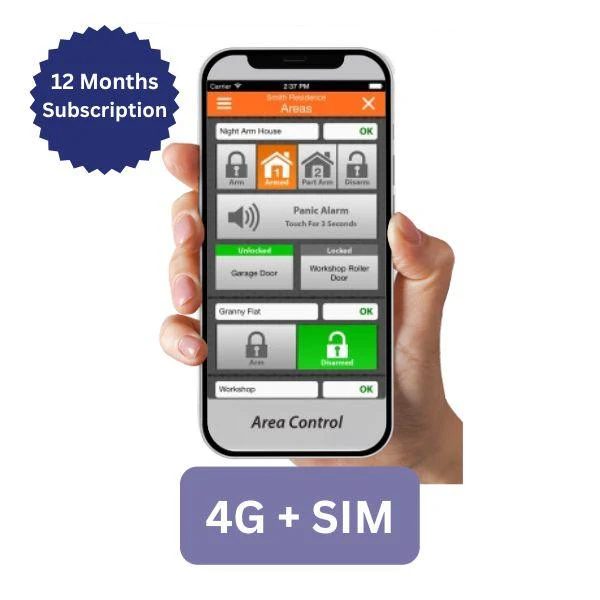
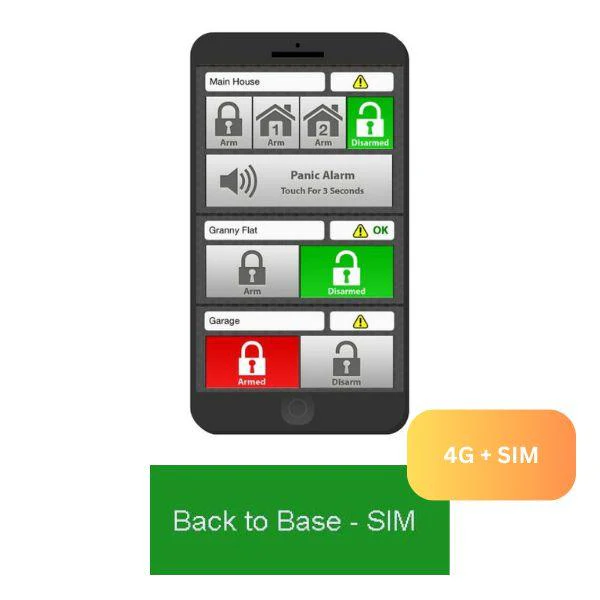
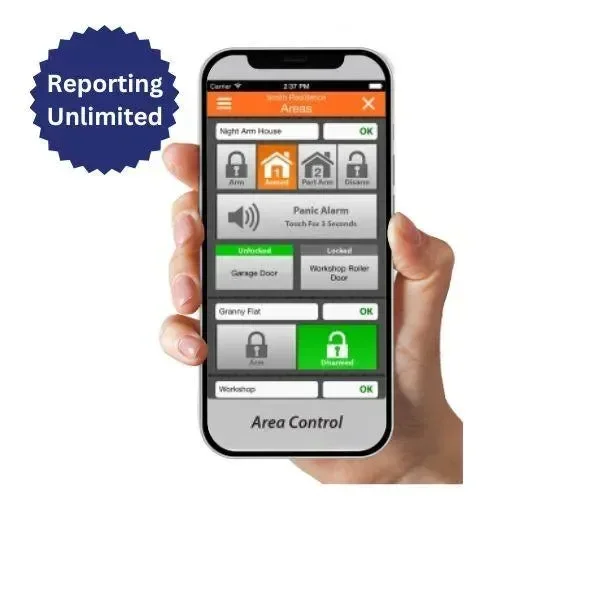
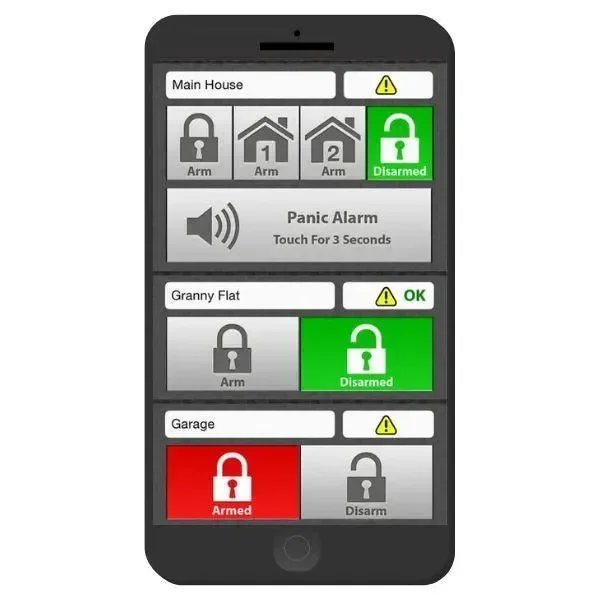
The area control page allows the user to quickly arm or disarm their system. Use the scroll function to see all areas if required. The name and status of all areas are displayed. iFob Control will automatically display part arm control buttons if part modes are programmed in the panel. The panic function can be enabled by the site owner from the My Alarm website. Users can create up to four shortcut buttons to control frequently operated doors or outputs. Alarm system status, system trouble and zone status indicators are also shown for each area at all times.
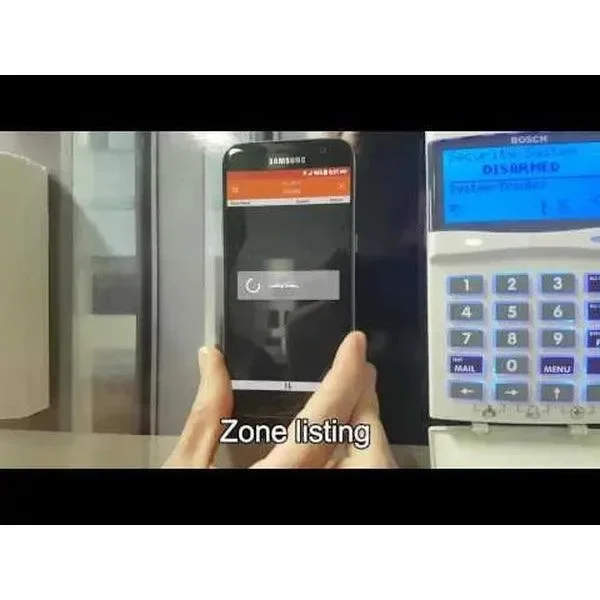
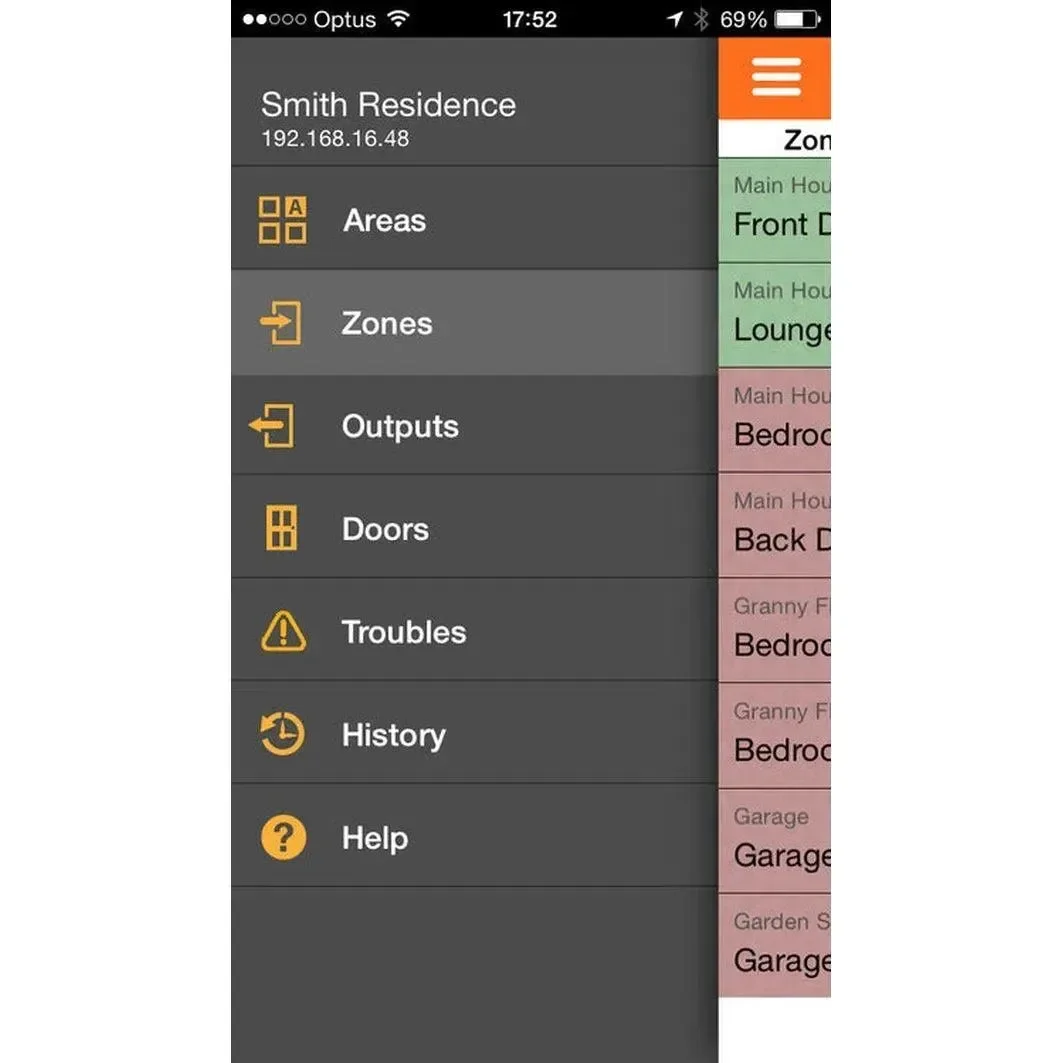
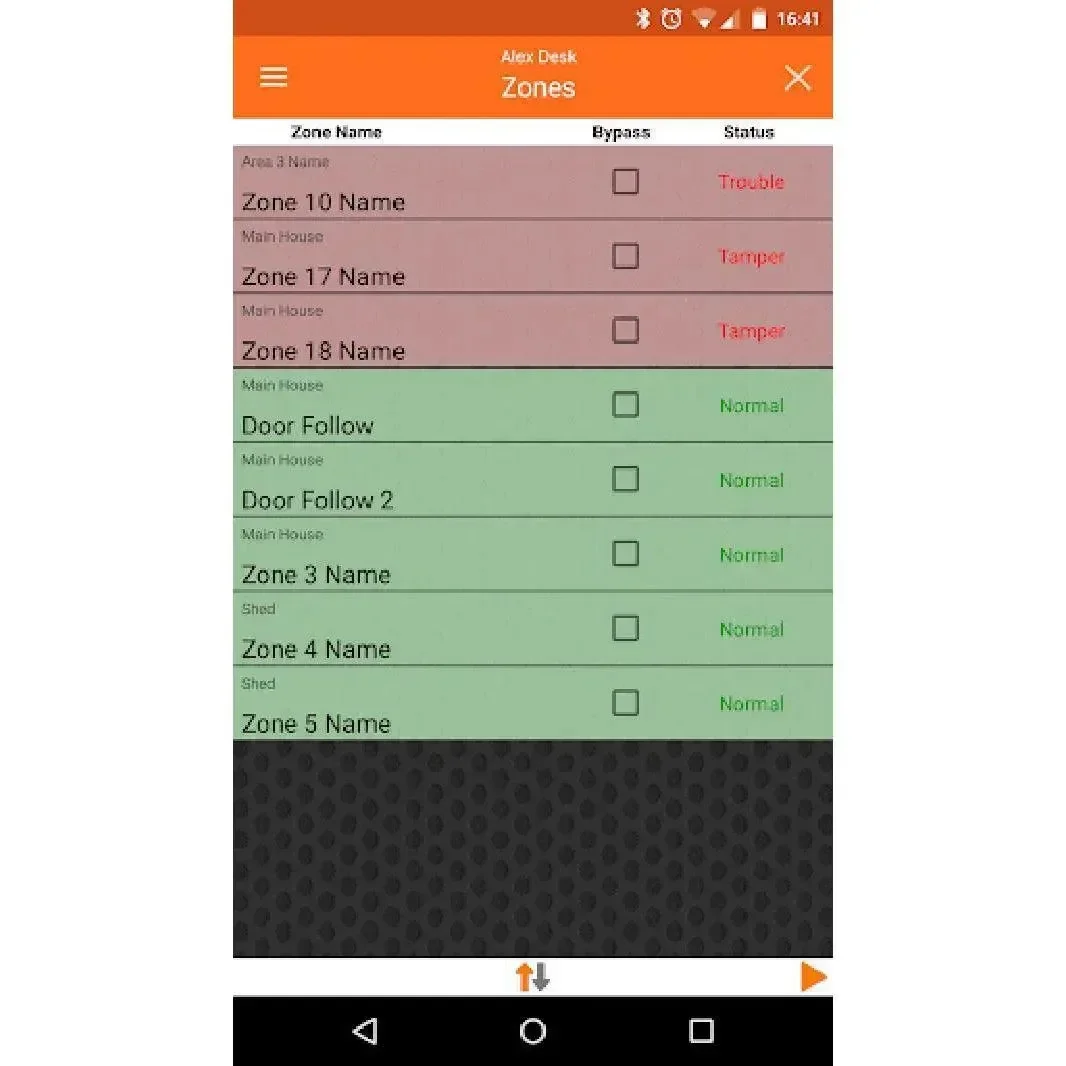
The zone display screen shows the name and current condition of up to 8 zones per page. Zones can be bypassed from this screen if required provided the user has authority to do so. Left and right arrow keys allow you to move to between page and the sort option allow you to filter the display to suit your preference.
iFob Reporting Unlimited Features
- View and Control Any Number of Sites
- No Port Forwarding Required
- View and Control Multiple Areas on Each Site
- View System Troubles
- Operate Doors and Control Outputs
- Voice Confirmation Prompts
- Remote Panic Button Option
- Optional Short-Cut Buttons
- iFob App Honours All Panel User Restrictions
- Zone Bypass Options
- View Control Panel History
- Real Time Zone Status
- Automatic Daylight Saving Clock Adjustment
- Installer Contact Information Display
- Secure iFob Use with PIN Always Required Option
- Restrict iFob App Use to Local Wi-Fi Zone
My alarm IP Module, GPRS Information
CTC Communications my alarm registration number is 57507959850 this is our account number for anyone who is using the WIFI keypad, IP Module or GPRS this is entered in location 509. There are 3 plans available at this stage (more to come in future).
- IFob Control App Access
- Assisted Solution LInk
- Email Reporting
- 1 x Email Address
- Push Notifications
- 10 x Mobile Devices
📌 Customer Setup Note:
To manage your alarm site, you’ll need to create a free MyAlarm account. Refer to the PDF guide: MyAlarm Customer Account Registration (attached).
Activation Steps
🔧 Steps for iFob Activation After Online Purchase
-
On your alarm keypad, press: Installer Code > MENU > 5-0-9
-
Enter the 11-digit MyAlarm Installer Number: 57507959850, then press OK.
-
The keypad will display “Registering to MyAlarm.”
-
If successful, it will display: “MyAlarm Registration Successful.” If not, check your installer code and internet connection.
-
Exit programming mode by holding the MENU button.
-
Email the following to [email protected]:
-
Your order number
-
Your alarm panel serial number
-
The mobile number(s) to be activated
-
-
Once received, we will send the iFob app code to the specified mobile(s).
🔒 Important:
Each iFob code is locked to a specific mobile number and requires the Master/User Alarm PIN for activation.
Original: $84.56
-65%$84.56
$29.60Product Information
Product Information
Shipping & Returns
Shipping & Returns
Description
iFob Reporting Unlimited 12 Months Subscription
The iFob control app provides real time control and feedback of compatible IP enabled alarm systems. Multiple sites are supported meaning you can easily interface to your home, your office or your holiday house when required. For Steps for iFob activation After Online purchase please refer the steps at the bottom of the page*
All events performed via the app are recorded in the system history log and as users are required to log on using their PIN only areas and doors they have access to can be controlled.
Currently available in the app store for iOS devices and the Android version is available in the playstore.
Alarm Systems Compatible with The iFob Control App
- Bosch Solution 6000
- Bosch Solution 6000 IP
- Bosch Solution 6000 WiFi
The area control page allows the user to quickly arm or disarm their system. Use the scroll function to see all areas if required. The name and status of all areas are displayed. iFob Control will automatically display part arm control buttons if part modes are programmed in the panel. The panic function can be enabled by the site owner from the My Alarm website. Users can create up to four shortcut buttons to control frequently operated doors or outputs. Alarm system status, system trouble and zone status indicators are also shown for each area at all times.
The zone display screen shows the name and current condition of up to 8 zones per page. Zones can be bypassed from this screen if required provided the user has authority to do so. Left and right arrow keys allow you to move to between page and the sort option allow you to filter the display to suit your preference.
iFob Reporting Unlimited Features
- View and Control Any Number of Sites
- No Port Forwarding Required
- View and Control Multiple Areas on Each Site
- View System Troubles
- Operate Doors and Control Outputs
- Voice Confirmation Prompts
- Remote Panic Button Option
- Optional Short-Cut Buttons
- iFob App Honours All Panel User Restrictions
- Zone Bypass Options
- View Control Panel History
- Real Time Zone Status
- Automatic Daylight Saving Clock Adjustment
- Installer Contact Information Display
- Secure iFob Use with PIN Always Required Option
- Restrict iFob App Use to Local Wi-Fi Zone
My alarm IP Module, GPRS Information
CTC Communications my alarm registration number is 57507959850 this is our account number for anyone who is using the WIFI keypad, IP Module or GPRS this is entered in location 509. There are 3 plans available at this stage (more to come in future).
- IFob Control App Access
- Assisted Solution LInk
- Email Reporting
- 1 x Email Address
- Push Notifications
- 10 x Mobile Devices
📌 Customer Setup Note:
To manage your alarm site, you’ll need to create a free MyAlarm account. Refer to the PDF guide: MyAlarm Customer Account Registration (attached).
Activation Steps
🔧 Steps for iFob Activation After Online Purchase
-
On your alarm keypad, press: Installer Code > MENU > 5-0-9
-
Enter the 11-digit MyAlarm Installer Number: 57507959850, then press OK.
-
The keypad will display “Registering to MyAlarm.”
-
If successful, it will display: “MyAlarm Registration Successful.” If not, check your installer code and internet connection.
-
Exit programming mode by holding the MENU button.
-
Email the following to [email protected]:
-
Your order number
-
Your alarm panel serial number
-
The mobile number(s) to be activated
-
-
Once received, we will send the iFob app code to the specified mobile(s).
🔒 Important:
Each iFob code is locked to a specific mobile number and requires the Master/User Alarm PIN for activation.